Affiliate links Product links go to Crawfords Metal Detectors and earn Paul a commission at no extra cost to you.
 Minelab Vanquish Sensitivity Settings
How to set up Sensitivity correct on a Minelab Vanquish 340.
With the popularity of the minelab Vanquish and First time users
not knowing or struggling at making the metal detector run and detect quietly, we came up with a bite size edition of setting the sensivity up correctly.
Having the Minelab Vanquish sensitivity to high will result in lots of FALSE SIGNALS and gives the user loss of being able to find small targets as the become hidden in the mass of noise that is coming from the detector that has the sensitivity set at a too high level.
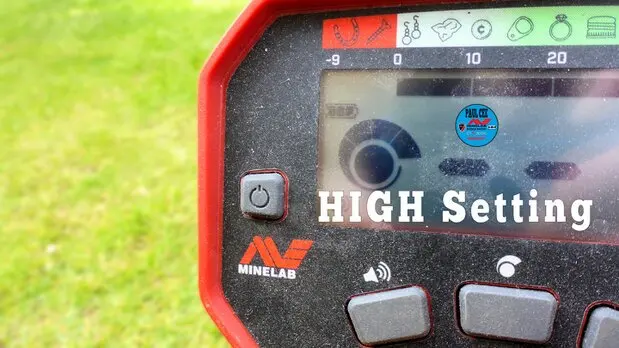
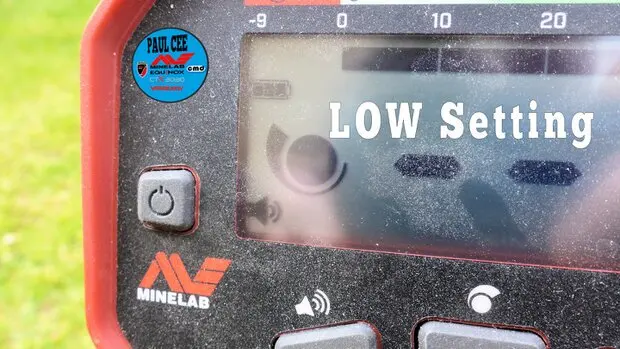
To Adjust the SENSITIVITY
Swing the coil slowly over the ground and reduce the level until it becomes stable, then adjust level upwards until it sharts to chirp again, once this level is found reduce slightly to regain the quiet performance, if the detector becomes unstable in use re-adjust the sensitivity.
If you are detecting near an ELECTRIC FENCE, POWER LINES or in the vicinity of electrical interferance you may have to move away, also in the home is also a great source of electrical interferance.
Gear mentioned in this article (Crawfords MD)

Buy at Crawfords MD
Minelab Vanquish 540 Pro
Check price & stock- Compare at Crawfords
- 540 vs 560: what changed

About the author
Minelab Detexpert, field tester and Crawfords Metal Detectors ambassador. Paul posts a new detecting video most weeks and prefers the beach. The finds are younger, but old coins tend to come out in better condition.