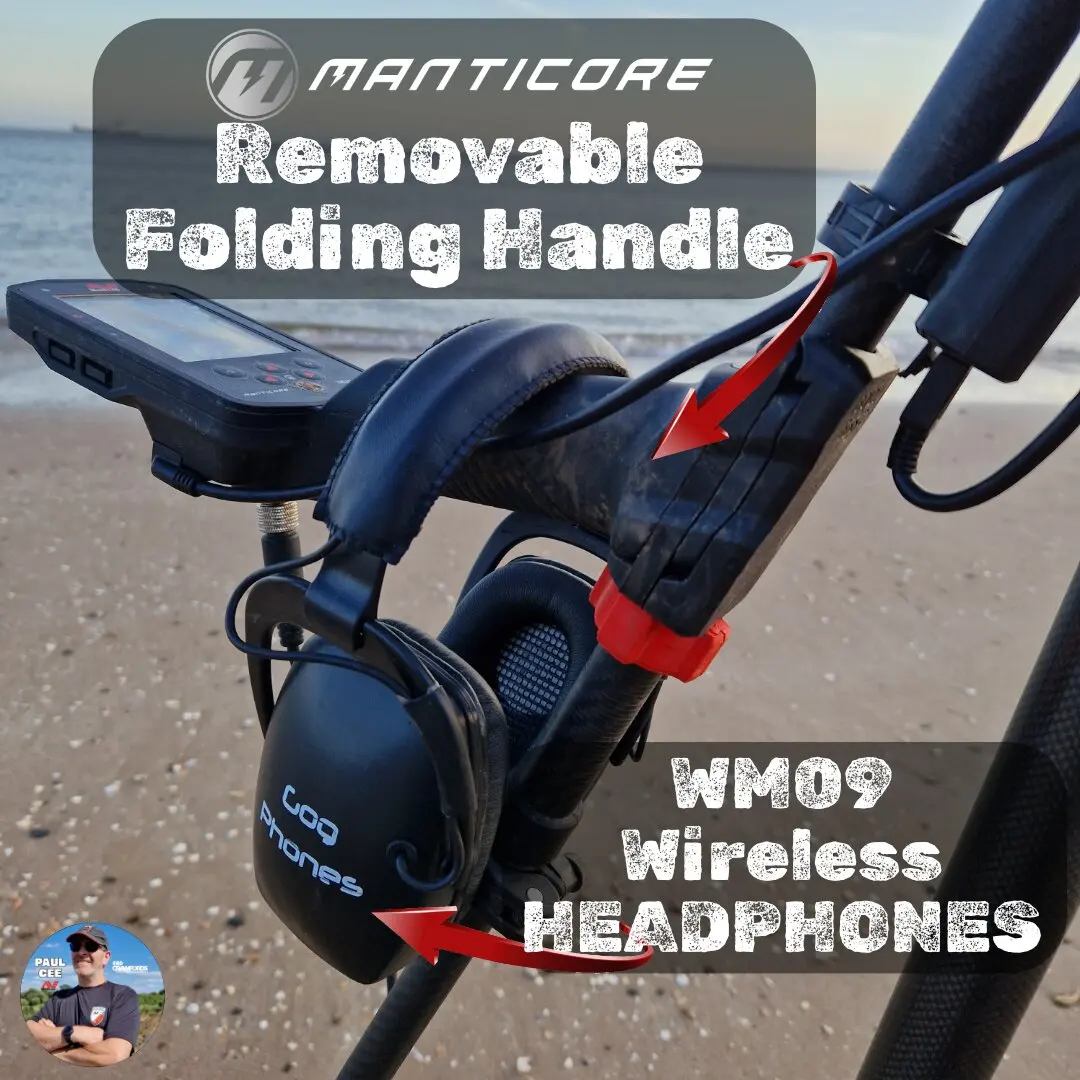
Pairing ML-105 Headphones
(The standard wireless headphones included with your Manticore)
Step 1: Set Headphones to Pair Ensure the headphones are OFF. Press and hold the Multi-Function Button (Power) on the side of the headphones for 2 seconds.
Look for: The Status LED will flash Red and Blue rapidly.
Set Manticore to Pair On your detector screen, press and hold the Wireless Button (top right of the control pod) for 2 seconds.
Look for: The Wireless icon on the top of the LCD screen will flash rapidly.
Success: The headphones will beep, and the Manticore wireless icon will stop flashing and stay solid. The Headphone LED will flash blue once every 3 seconds.
💡 Troubleshooting: If they won't pair, perform a Factory Reset: With headphones OFF, hold the Power button for 10 seconds until you hear 2 beeps and the LED flashes pink. Then try again.
Best for: Parks, Fields, Ruins, and Forests.
Note. All Terrain Fast, All Terrain Trash Reject are the same functioning as All Terrain General, with slightly different settings, you can customise to have 3 similar search profiles saved as CUSTOM modes for where you detect.
All-Terrain General: The best "turn-on-and-go" mode. It provides excellent all-around separation and depth. Start here if you are new to the site.
All-Terrain Fast: Optimized for trashy parks or "iron carpets." It uses a faster recovery speed to separate good targets (coins) from bad targets (nails) that are touching.
All-Terrain Low Conductors: Boosts sensitivity to small, thin targets like hammered silver coins, small jewellery, or fine gold chains.
All-Terrain High Conductors: Optimized for large silver coins and copper relics. It suppresses "foil" signals and hits hard on high-conductive metals.
All-Terrain Trash Reject: A specialized mode with high discrimination to silence aluminium foil and pull-tabs (use with caution, as you may miss gold rings!)
💡 Manticore Pro Tip: Don't be afraid to switch modes mid-hunt! If you are in a field and the iron trash suddenly gets thick, switch from All-Terrain General to All-Terrain Fast. You will instantly hear the separation improve
Check out some of the Manticore videos, Minelab and CMD created to help with your Manticore.
Click the images to view the Videos
 Minelab Manticore getting started guide
 Minelab Manticore Search Modes Explained
 Minelab Manticore Audio settings
 Minelab Manticore Recovery speed and stabilzer explained, by Minelab and Detexperts
 Minelab Manticore false signals and EMI
 Minelab Manticore Discrimination Explained, By Minelab Detexperts
 Minelab Manticore Best Settings
 How to pair Manticore Headphones, what problems and how to solve them

Gear mentioned in this guide (Crawfords MD)

Buy at Crawfords MD
Minelab Manticore
Check price & stock- Compare at Crawfords
- Equinox 900 vs Manticore
- Manticore vs XP Deus 2
- Top Manticore accessories